All of CargoX Relayer as an app
Install the live CargoX tracker, race mode, the CXO token, DEX trades, the relayer leaderboard and your dashboard as one app. It opens in its own window with its own icon and no address bar, and it's always up to date. No store and no download needed.
Works in Chrome, Edge, Safari and Samsung Internet · about 1 minute · uninstall any time
✓ You're already using the app.
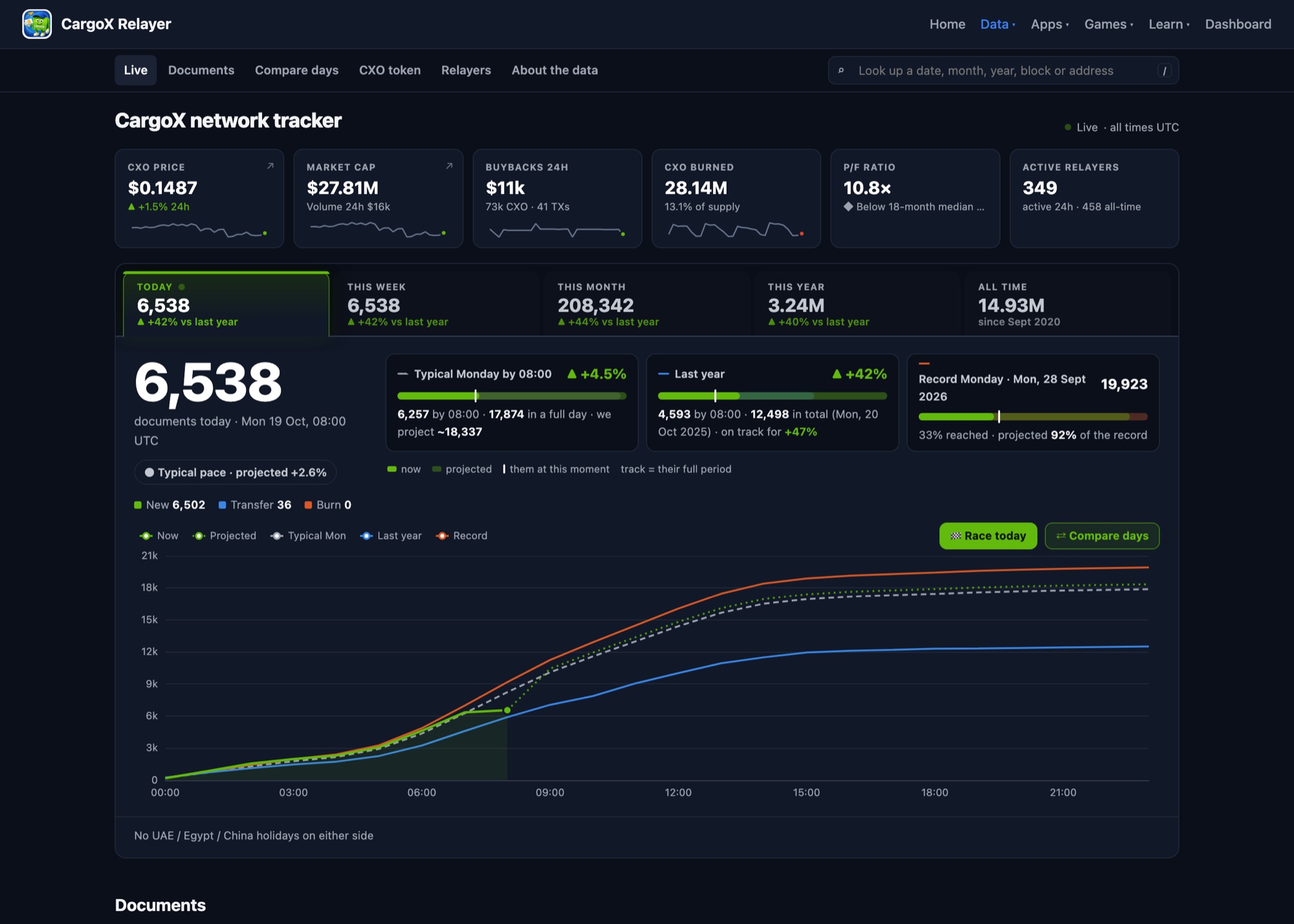
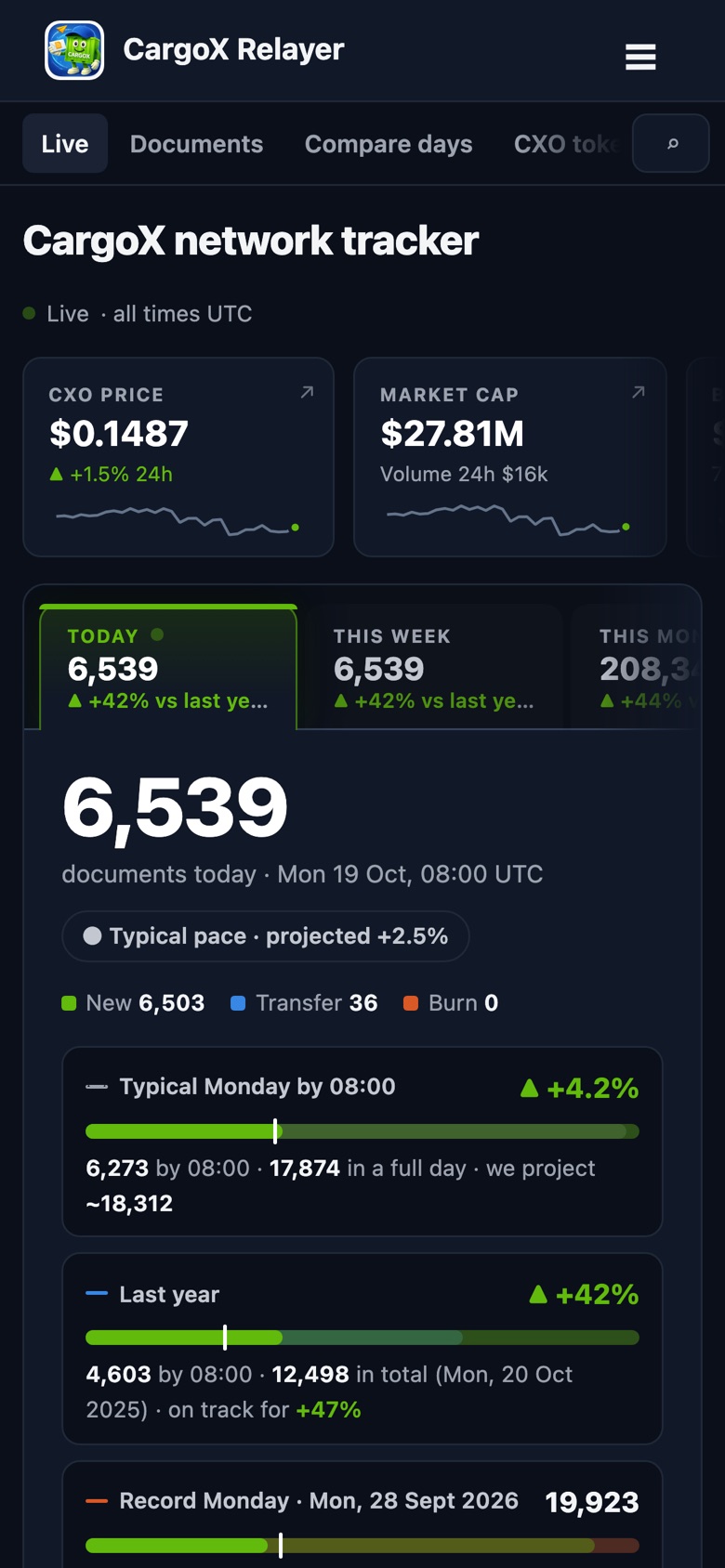
The installed app on a desktop and a phone, with live data on a Monday morning (UTC).
The whole site, one tap away
The app opens on the live tracker. The menu takes you everywhere else, just like on the website. See every feature with screenshots →
Live tracker
Today's CargoX documents as they happen, against a typical day, last year and the record, with an end-of-day projection.
Race mode
Up to six days race hour by hour, then carry on live. Compare any days, weeks or months.
Search and history
Any date, month, block or relayer address. Every day since 2020, seasons and busy hours.
CXO token
Price, supply, live buybacks and burns, and valuation against network usage.
Trades
DEX buys and sells as they happen, top buyers and sellers, and whale moves.
Relayers and your dashboard
The live relayer leaderboard. Sign in to see your own relayers, earnings and alerts.
Install on your device
Open the site in your browser and add it as an app. Pick your device below. On Chrome, Edge and Android, the Install the app button at the top of this page does it in one click.
🤖 Android
- Open cargoxrelayer.com/tracker in Chrome.
- Tap the ⋮ menu at the top right.
- Tap Add to home screen, then Install.
The CargoX Relayer icon appears on your home screen and in the app drawer. Remove it like any other app.
🪟 Windows
- Open cargoxrelayer.com/tracker.
- Edge: ⋯ menu → Apps → Install this site as an app.
Chrome: click the install icon at the right end of the address bar, or ⋮ → Cast, save and share → Install page as app. - Confirm with Install. You can pin it to the taskbar or Start.
To remove it, open the app, then ⋯ → Uninstall, or use Settings → Apps.
🍎 Mac
- Open cargoxrelayer.com/tracker.
- Safari: File → Add to Dock… (or the Share button → Add to Dock).
Chrome / Edge: click the install icon in the address bar, or use the menu as on Windows. - Click Add / Install.
It lives in the Dock and in Applications. To remove it, drag it out of the Dock and delete it from your Applications folder. On a Mac you can also get the menu bar widget.
📱 iPhone and iPad
- Open cargoxrelayer.com/tracker in Safari.
- Tap the Share button (square with an arrow).
- Tap Add to Home Screen, keep Open as Web App on, then tap Add.
Remove it by long-pressing the icon → Remove App.
Good to know
Is it a real app?
It's a web app (PWA): the website installed through your browser. It gets its own icon and window and appears in the app switcher, but there's nothing to download from a store, and it takes almost no space.
How do I update it?
You don't need to. The app always loads the current site, so new features and fixes show up on their own.
Do I need an account?
No. Everything public works without one. Sign in only to see your own relayers in the dashboard. You stay signed in inside the app.
Does it work offline?
No. It shows live network data, so it needs an internet connection, the same as the website.
I don't see an install option
Make sure you're in Chrome or Edge (Android, Windows, Mac) or Safari (iPhone, Mac), not inside another app's built-in browser such as Telegram or Instagram. Open the link in the real browser first.
Full app or Mac widget?
The full app is the whole site in its own window, on any device. The Mac widget keeps today's number and the CXO price in the Mac menu bar all the time, with the race one click away. You can use both.